AI
Intelligence that supports your team.
Explore AI
AI ASSISTANCE
Explore how AI can help organize information, assist with routine tasks, and support a more responsive firm.
Support the work. Keep people at the center.
Explore VNS Clubhouse Book a call
CONNECT WITH VNS
Three pieces of technology. One connected vision for your firm.
TECHNOLOGY / EXPLORE
Intelligence that supports your team.
AI ASSISTANCE
Explore how AI can help organize information, assist with routine tasks, and support a more responsive firm.
Support the work. Keep people at the center.
Explore VNS ClubhouseTools built around the way you work.
CONNECTED WORKFLOWS
Explore applications that bring your team’s tasks, information, and workflows into a connected experience.
Bring the next step into view.
Explore VNS Calls PortalYour firm’s digital front door.
DIGITAL PRESENCE
Explore a website experience that reflects your firm, makes its services clear, and gives visitors a straightforward way to get in touch.
Make a strong impression before the first call.
View website examplesThe actual San Diego Criminal Firm daily email, with previews from its original report attachments. Personal addresses and client-level details are omitted.
From / To: addresses hidden for this preview
Attached are the San Diego Criminal Firm intake, marketing and opportunities reports for November 9, 2026. Coverage and missing data are disclosed in each report.
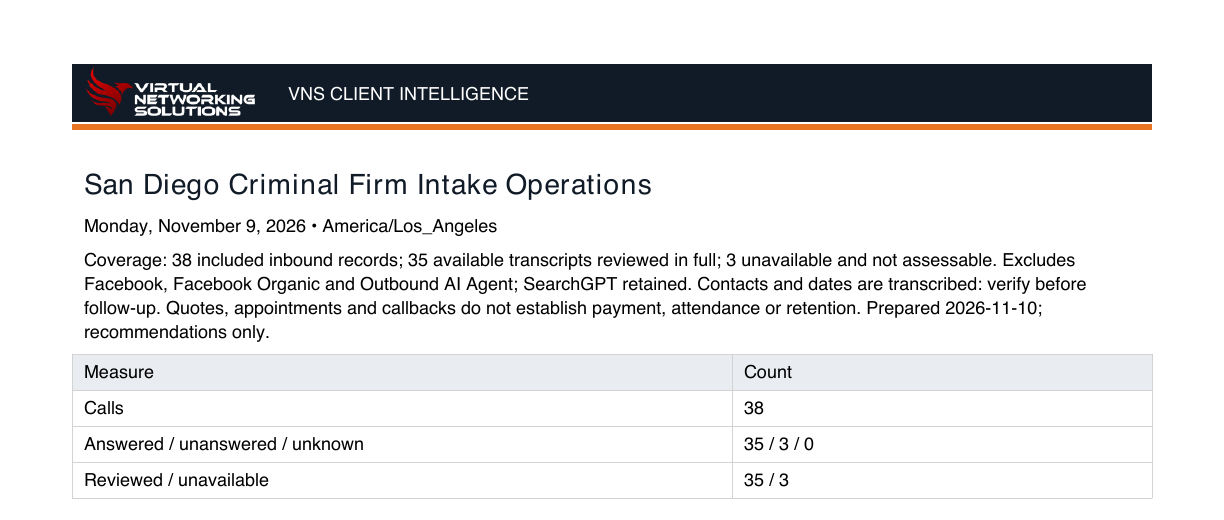
Original excerpt · dark-mode display · client details omitted · tap to enlarge
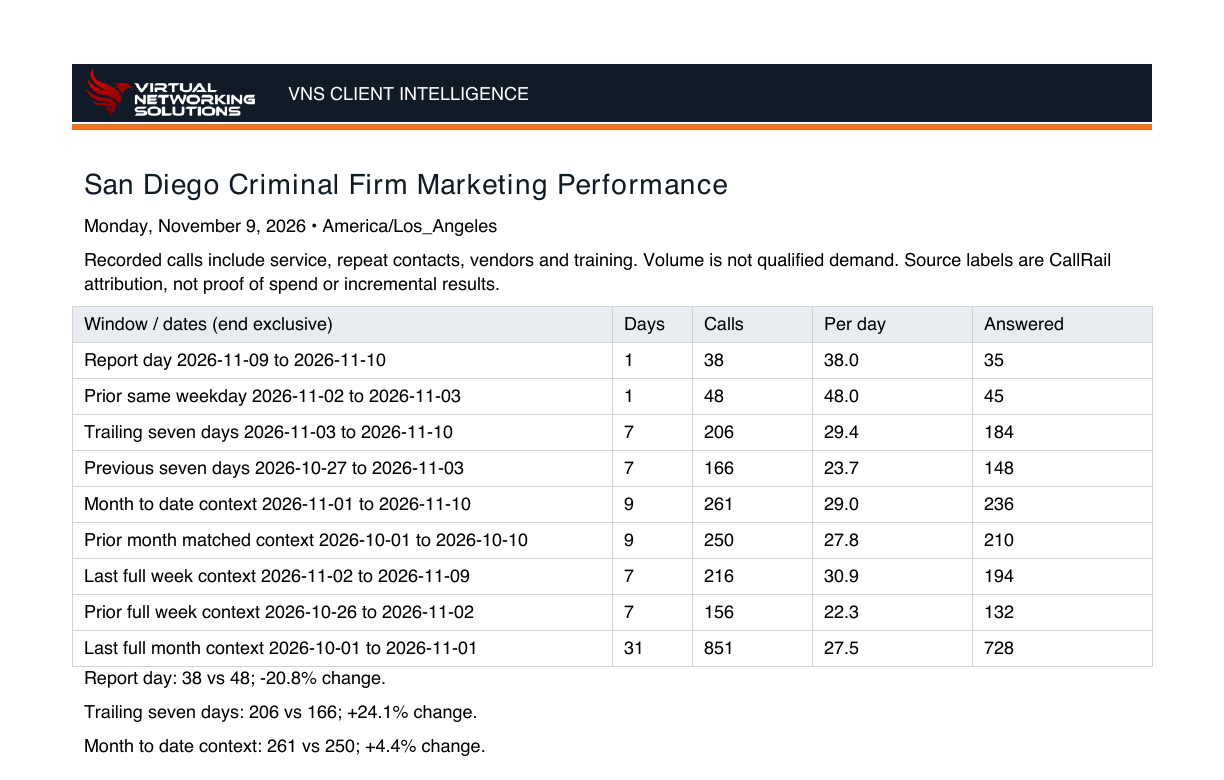
Original excerpt · dark-mode display · client details omitted · tap to enlarge

Original excerpt · dark-mode display · client details omitted · tap to enlarge
Email wording and attachment excerpts with the firm name anonymized. Email layout adapted for this demo; full private attachments are not published.
Original notification layout with the firm name anonymized. Caller identity, contact information, and matter details are hidden. Call and Listen are display-only.
Open full notification previewCLUBHOUSE / APP NOTIFICATIONS
See report-ready notifications in the Clubhouse. Open a notification, review the findings, and mark the report reviewed.
Interactive sample workflow · fictional recordsFEATURED WEBSITE / SAN DIEGO
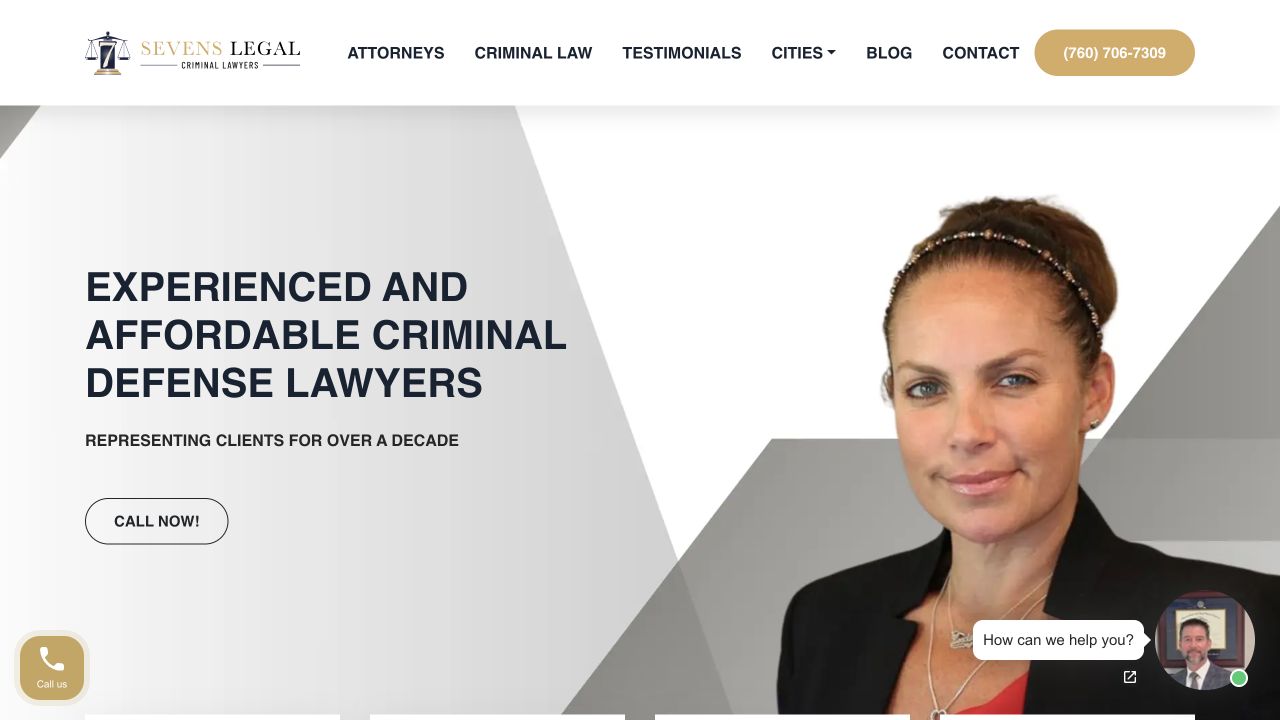
A criminal defense website that introduces the firm, organizes its practice areas, and gives visitors clear ways to get in touch.
Desktop and mobile homepage previews. Open the live site to explore.
FEATURED WEBSITE / SACRAMENTO
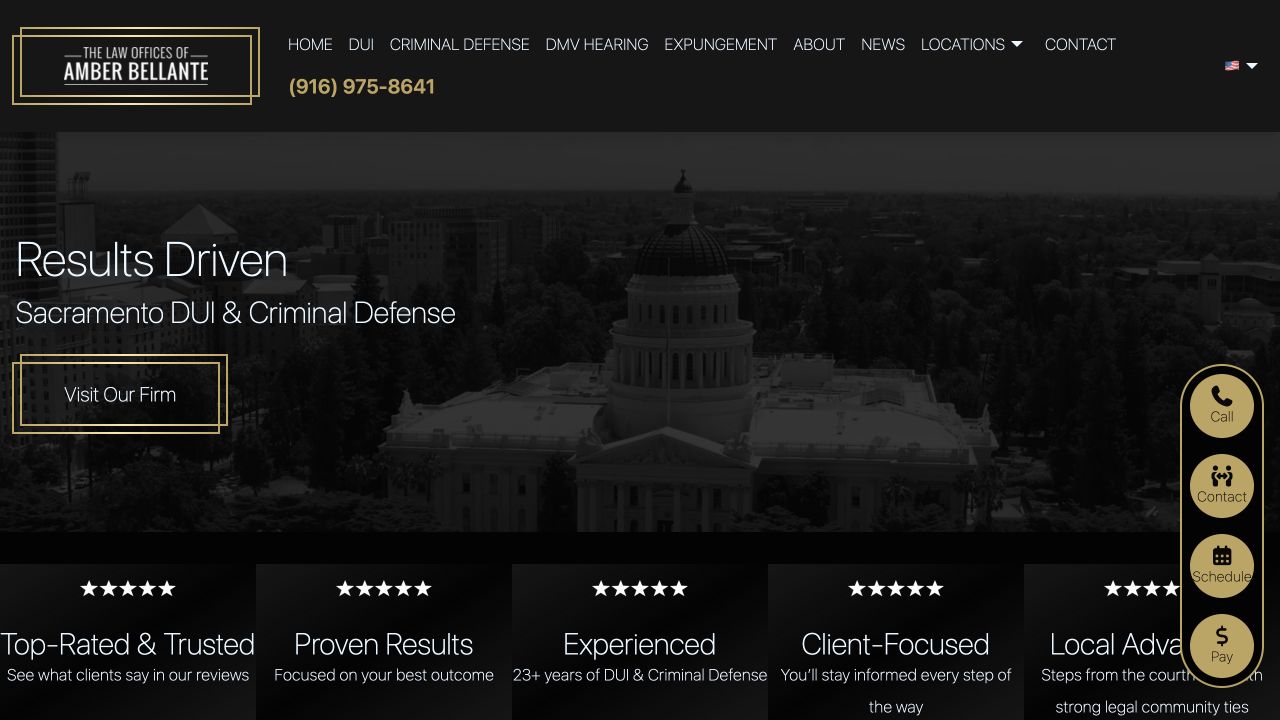
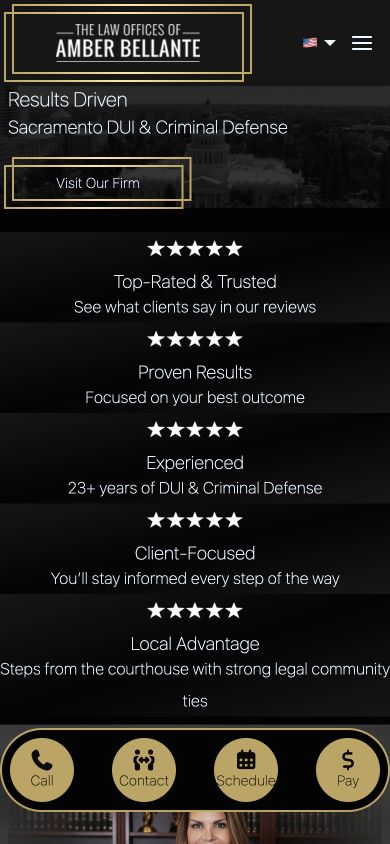
A Sacramento DUI and criminal defense website with local imagery, focused practice pages, and accessible contact options.
Desktop and mobile homepage previews. Open the live site to explore.
A DIFFERENT PERSPECTIVE
Explore AI, apps, and websites as three distinct parts of the VNS technology experience.
VIRTUAL NETWORKING SOLUTIONS